Remington (GAIL) Hindi Keyboard Layout Support (Mangal Font)
When developing TypingMaster 12 for Windows, we selected Hindi Inscript as the primary supported Hindi keyboard layout, as it is the current standard. However, the Remington GAIL layout is still widely used, especially in government and professional environments, so it is also supported through the Universal Typing Course and Typing Tests.
There are two ways to enable the Remington (GAIL) layout for use with TypingMaster 12:
Option 1 — Built into Windows (if available):
Option 2 — Keyman driver (RECOMMENDED)
- Install Keyman for Windows 18.0 here: Keyman for Windows 18.0
- Add the Remington layout from: https://keyman.com/keyboards/remington_gail
- Select the keyboard in Windows input language settings or via the Keyman menu.
https://youtu.be/XNz4Ae6k5N0
Pick the corresponding keyboard layout from Settings:
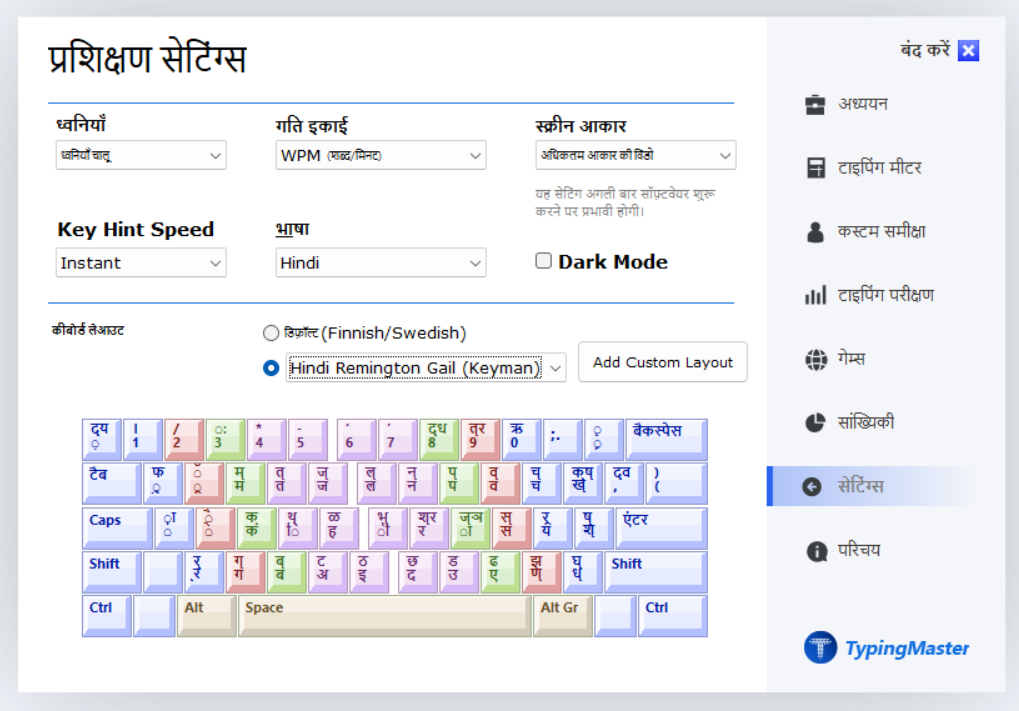
TypingMaster 12 supports Remington input through both Universal Typing Course and typing tests when the layout is installed in Windows or via Keyman.
Universal Typing Course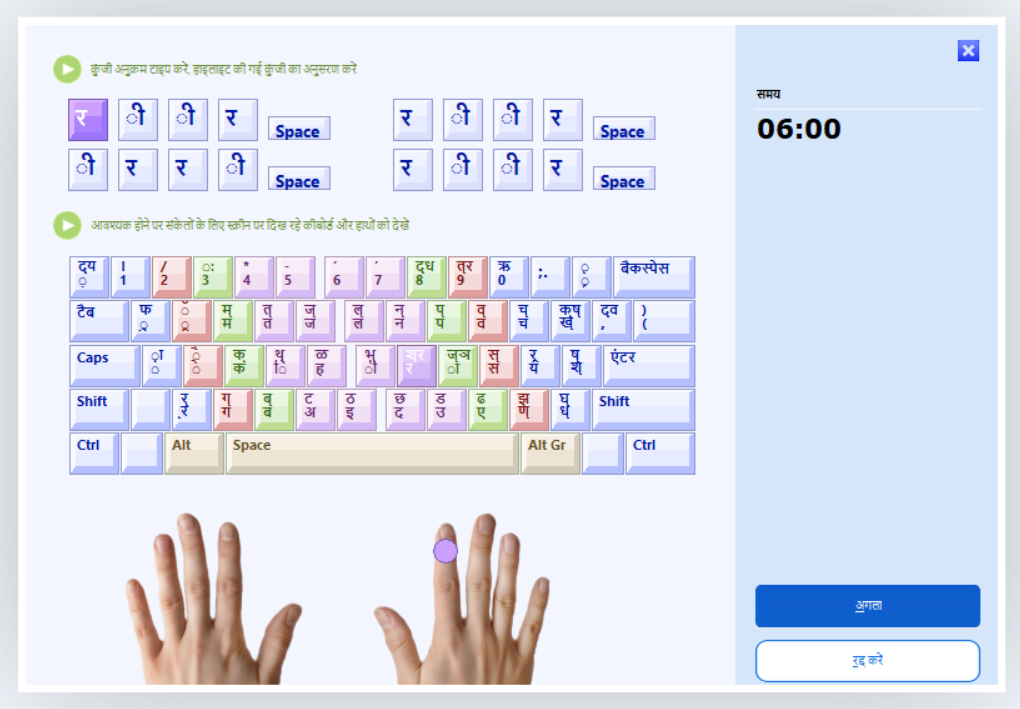
Was this article helpful?
That’s Great!
Thank you for your feedback
Sorry! We couldn't be helpful
Thank you for your feedback
Feedback sent
We appreciate your effort and will try to fix the article